Send the right intake path
Use new patient or renewal-specific workflows and the patient’s selected delivery channel.

Cannabis patient intake software
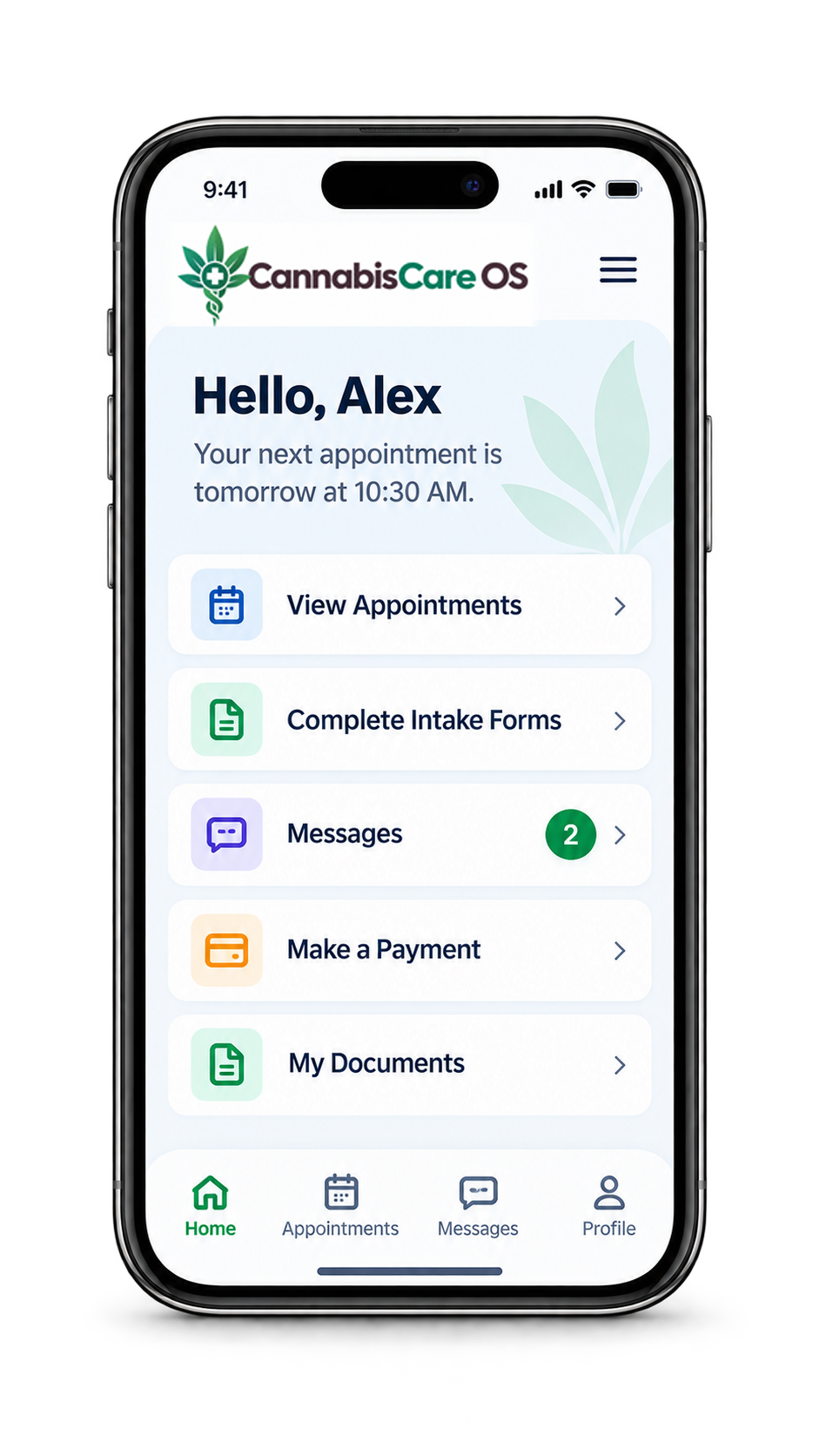
Send patients into the right intake path, track delivery and completion, and give authorized staff a clear view of what is ready for clinic review before the appointment.
The operational problem
Staff need to know whether information was requested, delivered, completed, matched to the correct patient, and reviewed by the clinic.
CannabisCare OS uses visible intake states to keep the patient and clinic sides of preparation connected without making staff chase separate form tools and status spreadsheets.
A practical clinic workflow
The intake workflow separates patient actions from staff review while keeping both visible in the appointment preparation process.
Use new patient or renewal-specific workflows and the patient’s selected delivery channel.
See whether the request was delivered, opened, completed, or still needs attention before the visit.
Match the intake to the patient record and move completed information into the authorized clinic review process.
Connected capabilities
The goal is not only to collect a form. It is to make the patient preparation state clear to the clinic.
Send patients through the intake path that matches the visit they are preparing for.
Use the patient’s selected communication channel to deliver the intake request.
Support time-limited intake access while keeping delivery and completion states visible.
Connect returning-patient submissions to the appropriate record and reduce unnecessary duplicates.
Built into the patient journey
Intake status can inform scheduling, clinical preparation, communications, and follow-up. CannabisCare OS keeps those connections visible so staff can focus on the specific patient step that remains.
See it in context
Schedule a demonstration around new patient, renewal, delivery, completion, matching, and clinic review workflows.
A clearer way to run your clinic
Tell us a little about your clinic. We’ll follow up to find a useful time.