Start with patient context
Use the new patient, renewal, appointment, intake, or follow-up state to guide the communication.
Patient communications and follow-up
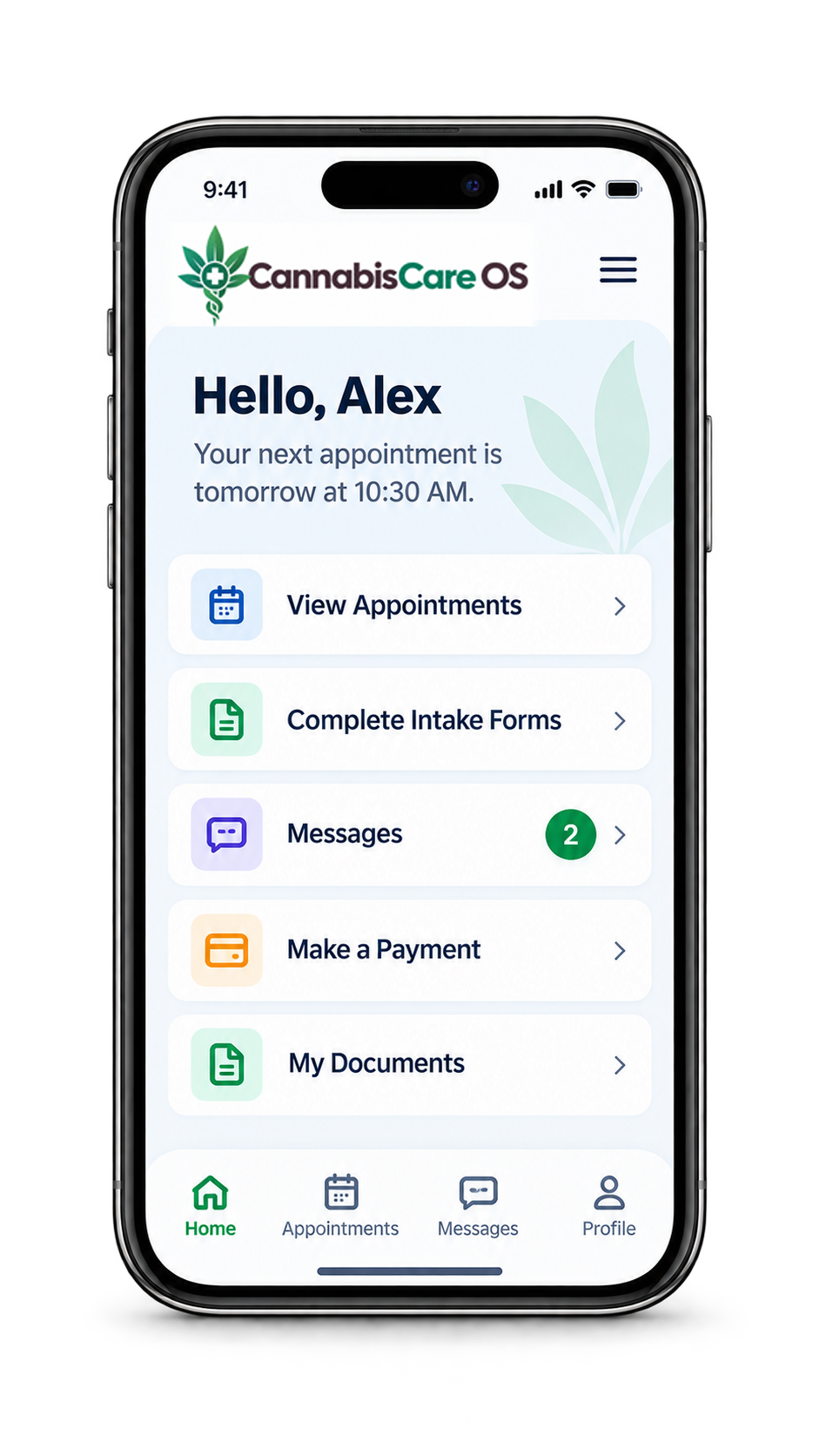
Keep appointment messages, intake delivery, reminders, and follow-up connected to patient status so staff can understand what was sent, what happened next, and when a person needs to step in.
The operational problem
A clinic may send appointment information, intake requests, reminders, and follow-up messages across the same patient journey.
CannabisCare OS keeps those communication events connected to the workflow so authorized staff can see the context, understand the next action, and use a human handoff when the situation needs personal attention.
A practical clinic workflow
Communication history becomes more useful when it explains where the patient is in the clinic workflow.
Use the new patient, renewal, appointment, intake, or follow-up state to guide the communication.
Send the appropriate SMS or email notification and preserve the event in the patient timeline.
Move unresolved questions or sensitive situations to a clear human handoff instead of forcing automation.
Connected capabilities
CannabisCare OS connects messages and staff follow-up to the same operational state used across the clinic.
Keep confirmation and reminder activity connected to the scheduled visit.
Record when a secure intake request is sent by the patient’s selected channel.
Give authorized staff visibility into open patient work that still needs attention.
Escalate requests that require personal review, explanation, or another clinic action.
Built into the patient journey
Communications connect naturally with CRM, scheduling, intake, and reporting. The shared timeline helps staff understand both what the patient received and why it was sent.
See it in context
Schedule a demonstration around appointment messages, intake delivery, reminders, staff queues, and human handoffs.
A clearer way to run your clinic
Tell us a little about your clinic. We’ll follow up to find a useful time.