Capture and qualify
Record the new or returning patient context and route the request into the appropriate clinic workflow.
Cannabis clinic CRM and patient management
Move a new inquiry into the right patient workflow, keep staff tasks and communication history visible, and make the next action clear without separating CRM activity from daily clinic operations.
The operational problem
Clinic teams need to know who contacted the clinic, why they reached out, what has already happened, and which person or workflow owns the next step.
CannabisCare OS connects inquiry handling, patient status, communications, tasks, appointments, and follow-up so the CRM record reflects the work the clinic is actually doing.
A practical clinic workflow
The CRM workflow keeps patient-facing activity aligned with the clinic operation instead of becoming a separate contact database.
Record the new or returning patient context and route the request into the appropriate clinic workflow.
Connect staff tasks, appointment status, intake delivery, and communication history around one patient journey.
Use visible queues and status to identify follow-up needs and preserve a clear human handoff.
Connected capabilities
The CRM view is designed to help administrators and staff understand relationship history and operational status together.
Guide new patients, renewals, and other requests toward the correct operational path.
Keep the current workflow state and assigned next actions visible to authorized team members.
Review connected call, SMS, email, intake, appointment, and follow-up activity in context.
Give staff a practical view of open work that needs a personal response or another workflow action.
Built into the patient journey
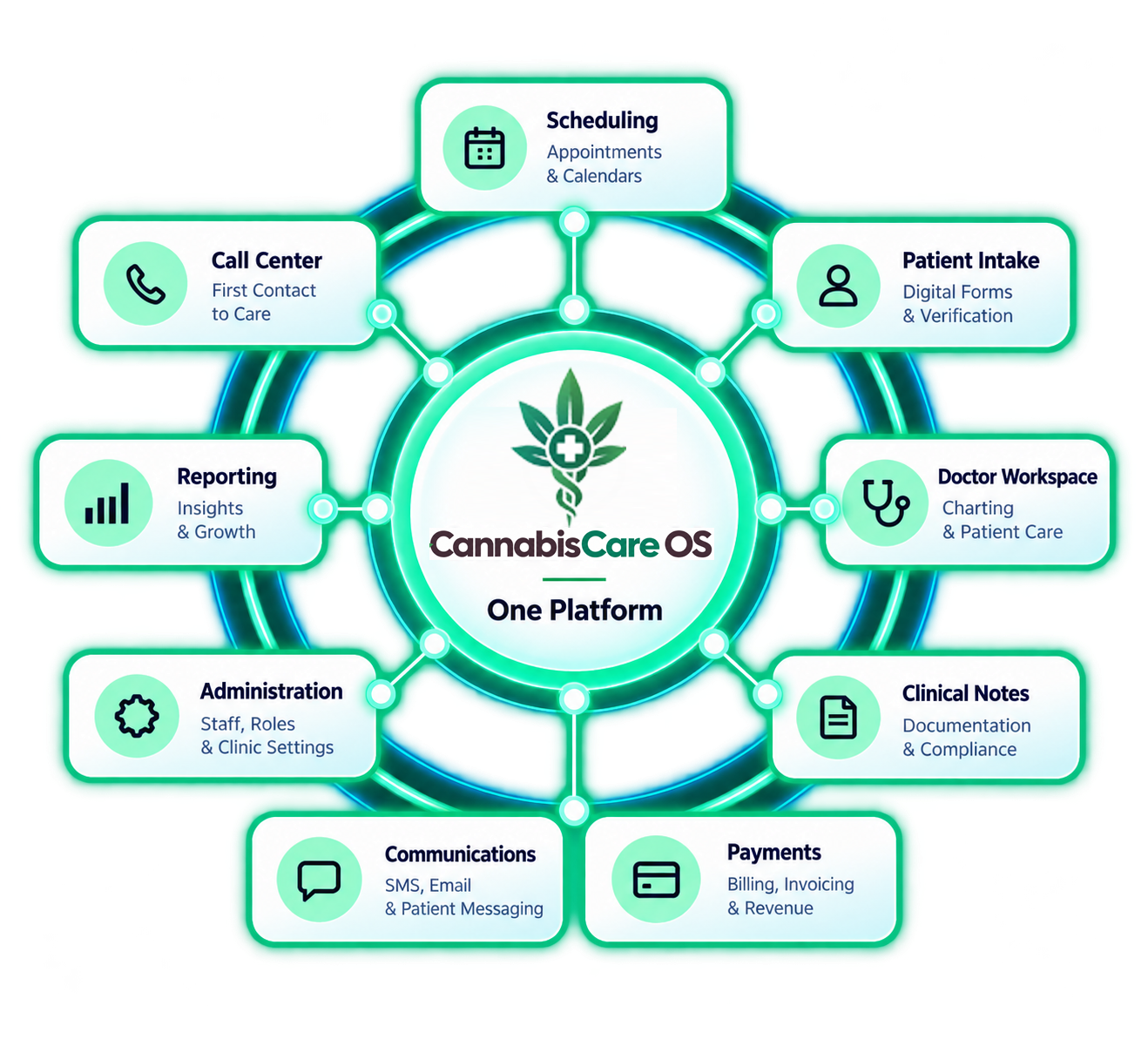
CannabisCare OS brings CRM activity into the same operating environment as scheduling, intake, records, communications, and reporting. That connection helps reduce unclear handoffs without promising that every interaction should be automated.
See it in context
Schedule a demonstration around inquiry routing, patient status, staff tasks, communications, and follow-up.
A clearer way to run your clinic
Tell us a little about your clinic. We’ll follow up to find a useful time.